How to Set Up a Job Bag System Without Adding More Admin
The fear is always "more admin"
Every time we talk to an operator about tightening up job tracking, the same objection comes up first: my team already hates timesheets, I'm not adding another tool they have to remember to update.
That fear is fair. Most attempts at "getting visibility" mean bolting a spreadsheet onto an already messy stack, and asking the team to update two places instead of one. That's not a job bag system, that's more admin wearing a job bag costume.
What an actual setup looks like
A real job bag system doesn't ask your team to change how they work. It changes what happens to the data they're already entering. Three steps:
- Team logs time against the job, like they already do. No new habit to build.
- Labour cost and billable rate attach to that time automatically. Nobody manually calculates anything.
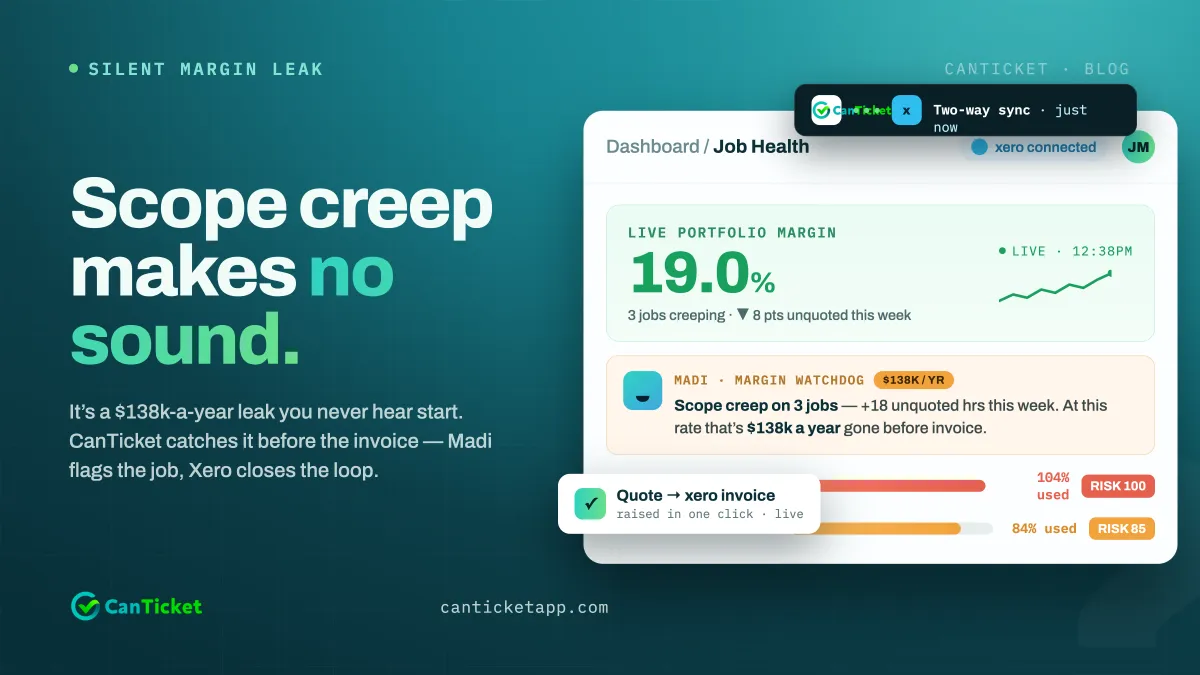
- Margin updates on the job in real time, synced two-way with Xero, so it's visible to whoever needs to see it (you, an ops manager, a client-facing account lead) without opening a separate spreadsheet.
The team's experience doesn't change. Yours does, because now the job bag answers the profit question without anyone doing extra work to make it answer.
Where teams get this wrong
The most common mistake is trying to run job bag tracking as a parallel system to the PM tool everyone already uses, which just means double entry, and double entry always loses to whichever system is faster to ignore. If setting it up adds a login or a habit, it will get abandoned within a month. That's an adoption problem, not a discipline problem, and it's on the software to solve, not the team.
"Someone went on leave for 8 weeks. Told HR. Didn't tell ops. I reshuffled 25 developers mid-project because HR and production weren't connected." — Cassandra, founder, CanTicket
Disconnected systems don't just cost margin, they cost coordination. A proper job bag setup closes both gaps in one motion.
Getting started
CanTicket was built to replace the stack, not add to it: time tracking, job costing and Xero sync in one place, so setup means moving your existing jobs in, not teaching your team a new habit. Most teams are logging their first costed job within a day.
See what your current setup is actually leaking before you touch anything: run the free profit leak calculator.
