What Is a Job Bag System? A Plain-English Guide for Service Businesses
The term "job bag" is older than the software
Before there was software, there was an actual folder, a physical job bag, that followed a piece of work from brief to invoice. Every timesheet, every expense, every revision sat inside it. When the job closed, you opened the bag and added it up.
The problem was never the concept. The problem is most service businesses replaced the physical folder with five different logins that don't talk to each other, and lost the one thing the job bag actually gave you: a single place to see what a job cost, in real time, while it was still running.
What a job bag system actually does
A job bag system tracks three things against every piece of work, as it happens:
- Time — who worked on it, and for how long
- Cost — labour, contractor rates, internal vs billable hours
- Margin — what you're charging the client against what it's actually costing you to deliver
That's it. It's not project management. It's not a CRM. It's the layer that sits between the work and the money, so you know the answer to one question before the invoice goes out: did we actually make money on this?
Why spreadsheets and generic PM tools can't do this
Most 5–25 person service teams cobble this together across Asana or Monday for tasks, Harvest or Toggl for time, Xero for the accounts, and a spreadsheet to try and reconcile it all at month-end. None of those tools were built to talk to each other. So the "job bag" becomes a mental exercise someone does after the fact, usually when a client complains or a quarter closes and the number looks wrong.
"I was paying an agency $2,000 for a piece of work. His onboarding didn't cover the cost. Turned out it took his team 52 hours, real cost to deliver was $9,800. Nobody in the business knew until I asked." — Cassandra, founder, CanTicket
That gap, $7,800 on a single job, is what a real job bag system is built to catch while the work is still live, not six weeks later when the P&L closes.
What to look for in job bag software
If you're evaluating tools, the job bag question to ask is simple: does it show cost and margin during the job, or only after you've reconciled everything manually? Task lists and time logs alone don't answer that. You need the labour cost, the billable rate, and the running margin visible on the job itself, synced to your accounting system (Xero, for most teams this size), not sitting in a separate spreadsheet someone updates when they remember.
Where CanTicket fits
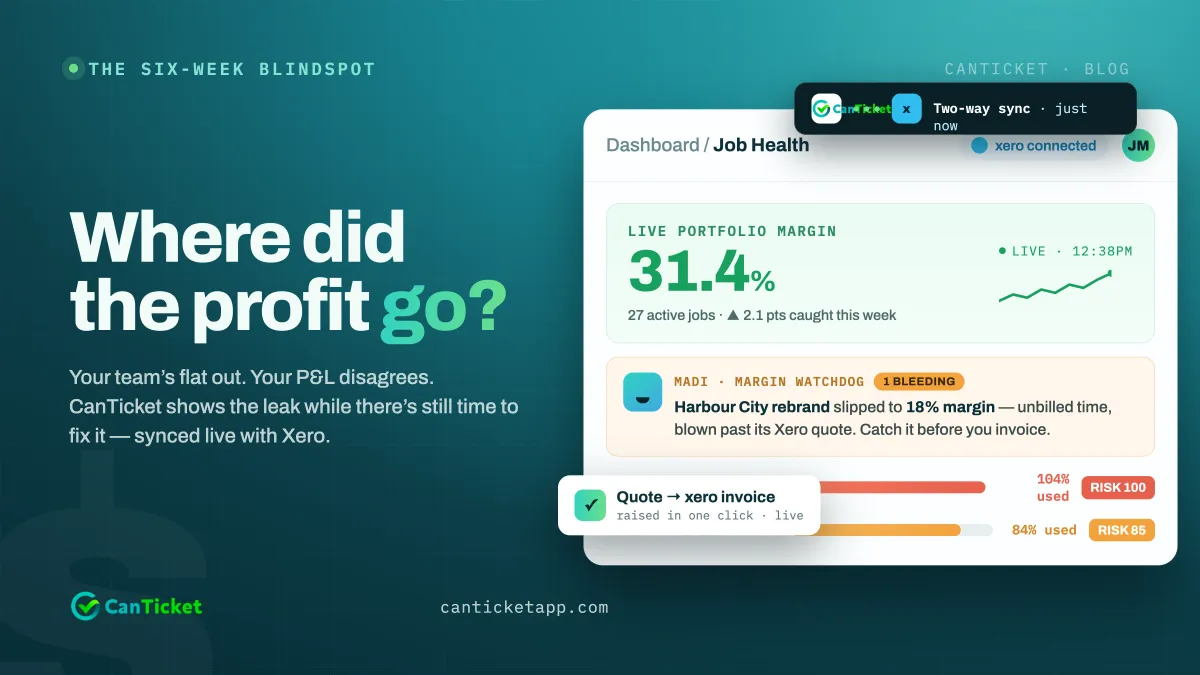
CanTicket is job bag software built around that exact gap: your team logs time like normal, and the cost and margin update against the job in real time, synced two-way with Xero. No separate spreadsheet. No end-of-quarter surprise.
Curious what your own job bag numbers actually look like right now? Run the free profit leak calculator, it takes about a minute and shows you the number based on your team size and average job value.
